
iPhone 12 Screen Replacement: The Ceramic Shield Myth and the Flat-Edge Trap
A technician in Leeds told us he loved repairing iPhone 12s. "Flat edges," he said. "So much easier to get the pick in compared to the iPhone 11's curved frame."
Six months later, he'd cracked three screens during removal. Not customer screens — brand new replacement screens, damaged during installation. His pry tool slipped on the flat edge and punched straight through the OLED layer.
The iPhone 12 looks like it should be the easiest iPhone to repair. Flat edges. Ceramic Shield glass. Apple's "toughest glass ever." But every one of those features creates a trap for technicians who don't understand what's actually happening underneath.
Ceramic Shield is scratch-resistant, not drop-resistant. And flat edges bond adhesive more uniformly than curved ones, making the initial separation harder, not easier.
This is the iPhone 12 repair guide that explains what Apple's marketing won't.
The Ceramic Shield Reality Check
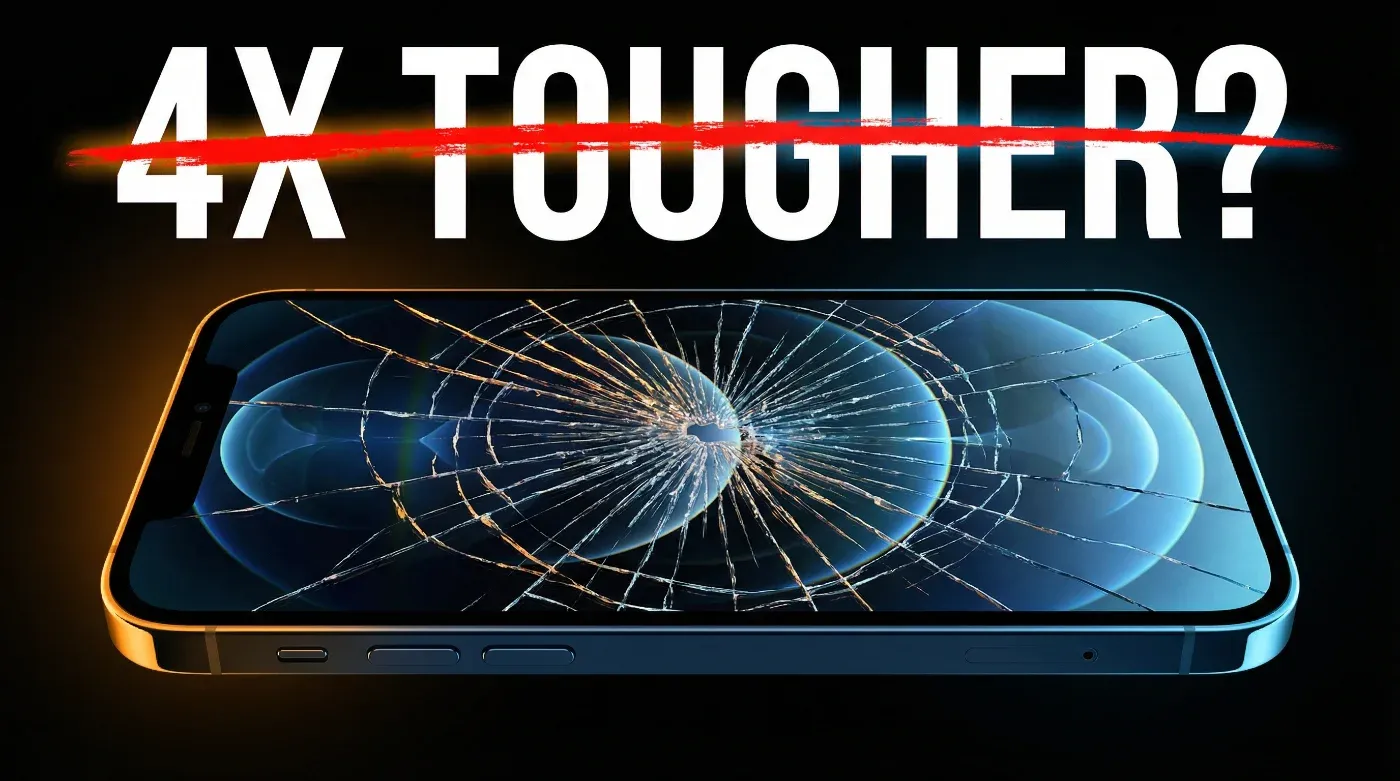
Apple introduced Ceramic Shield with the iPhone 12, claiming it offered "4x better drop performance." That stat came from Apple's own lab tests — controlled drops onto flat surfaces at specific angles.
Here's what the real-world data looks like from our repair network:
| Model | Screen Crack Rate (first 2 years) | Avg. Repair Volume/Month (per shop) |
|---|---|---|
| iPhone 11 (no Ceramic Shield) | Baseline | 8-12 |
| iPhone 12 (Ceramic Shield) | -15% vs iPhone 11 | 7-10 |
| iPhone 13 (Ceramic Shield) | -18% vs iPhone 11 | 9-14 |
The iPhone 12 does crack slightly less often than the iPhone 11. But the difference is modest — about 15%, not the "4x" Apple suggests. And here's the hidden cost: when an iPhone 12 screen does crack, the damage is typically worse.
Why? Ceramic Shield is harder, so it resists small impacts. But when the force exceeds the threshold, the glass shatters more catastrophically than standard glass. Instead of a single crack line, you get a spider web. And that spider web pattern means more glass fragments pressing into the OLED layer, causing more display damage underneath.
The practical impact: iPhone 12 screens that arrive for repair are more likely to have OLED damage (dead spots, colour bleeding) in addition to the cracked glass. On the iPhone 11, a cracked screen often still had a functioning LCD underneath. On the iPhone 12, a cracked screen frequently means the OLED is compromised too.
What to tell customers: "Ceramic Shield reduces scratches and minor bumps, but it won't save your screen from a hard drop. A £10 case does more than Ceramic Shield ever will."
iPhone 12 Screen Replacement Cost: Every Model Compared
Here's the UK pricing landscape in 2026:
| Route | iPhone 12 Mini | iPhone 12 | iPhone 12 Pro | iPhone 12 Pro Max |
|---|---|---|---|---|
| Apple Official (AppleCare+) | £25 | £25 | £25 | £25 |
| Apple Official (no AppleCare+) | £199 | £199 | £249 | £249 |
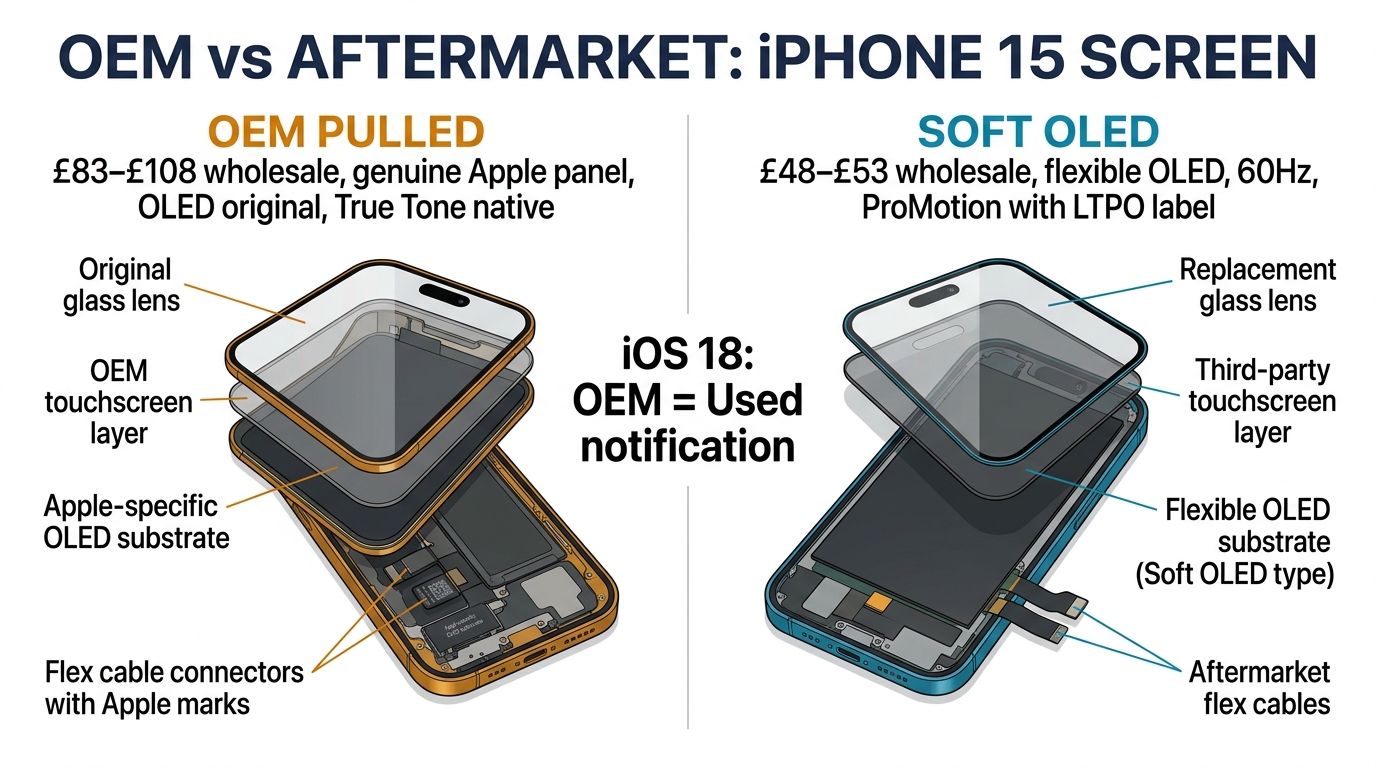
| Repair Shop (Soft OLED) | £55–£85 | £60–£95 | £75–£115 | £90–£140 |
| Repair Shop (Incell) | £30–£50 | £35–£60 | £45–£75 | £55–£90 |
| DIY — Soft OLED Part | £28–£42 | £30–£48 | £40–£60 | £50–£75 |
| DIY — Incell Part | £12–£20 | £14–£24 | £20–£32 | £25–£40 |
The iPhone 12 is now the cheapest OLED iPhone to repair. Parts have dropped 30-40% in the past year as the aftermarket matures. This makes it an excellent candidate for repair rather than replacement — a £60 screen fix extends a perfectly capable phone by another 2-3 years.
The Back Glass Question
We see "iphone 12 back screen replacement" as a common search. Let's clarify: the iPhone 12's back glass is NOT a screen — it's a glass panel covering the wireless charging coil and rear cameras. Replacing it is a completely different procedure:
- Back glass replacement requires either a laser machine (£3,000+ equipment) or replacing the entire rear housing (£40-60 for the part, 90+ minutes of labour)
- Front screen replacement is the standard 30-45 minute procedure covered in this guide
If a customer asks about "back screen," clarify which side they mean. Many customers don't distinguish between front and back glass damage.
The Flat-Edge Adhesive Trap
This is the insight that saves technicians money.
The iPhone 11 had curved edges. When you applied a suction cup and started prying, the curved edge created a natural gap — the adhesive peeled away gradually because the curve gave your pick a starting angle.
The iPhone 12's flat edges changed this completely. The adhesive bonds uniformly across the entire flat surface. There's no natural starting point. When you try to force a pick in, it either:
- Slips and scratches the frame (cosmetic damage the customer will notice)
- Punches through the adhesive too aggressively and hits the OLED layer
- Bends the screen at the entry point, cracking the OLED from the edge inward
The Correct Technique for Flat-Edge iPhones
Step 1: Heat longer than you think. The iPhone 12 needs a full 3 minutes of heat at 80°C along the bottom edge. Most technicians heat for 60-90 seconds because that's what worked on curved-edge iPhones. On flat edges, the adhesive needs more time to soften because there's more contact area.
Step 2: Use a thinner pick. Standard 0.5mm plastic picks are too thick for the initial entry on flat edges. Use a 0.3mm pick or a thin metal guitar pick (wrapped in tape to prevent scratching) for the first entry point only. Switch to standard picks once you have a gap.
Step 3: Start at the bottom-left corner, not the bottom centre. The corner has the least adhesive coverage and gives you the best angle. On curved iPhones, bottom-centre worked fine. On flat edges, the corner is your friend.
Step 4: Slide, don't pry. Once you have the initial gap, slide the pick along the edge rather than levering upward. Levering on flat edges concentrates force on a single point and cracks the OLED. Sliding distributes the force along the adhesive line.
Step-by-Step: iPhone 12 Screen Replacement
The iPhone 12 family all use the front-opening method. Same basic approach as iPhone 11, but with the flat-edge modifications above.
Tools Required
- Pentalobe screwdriver (P2)
- Y000 tri-point screwdriver
- Suction cup and thin plastic picks (0.3mm for entry)
- Heat gun or iOpener (80°C target)
- Spudger and tweezers
- True Tone programmer (optional)
The Procedure
Step 1: Power off. Remove the two pentalobe screws at the bottom.
Step 2: Apply heat to the bottom edge for 3 full minutes. Set a timer — don't estimate.
Step 3: Suction cup on the lower third of the screen. Pull firmly while inserting a thin pick at the bottom-left corner.
Step 4: Slide the pick along the bottom edge, then up both sides. The iPhone 12 has clips along the sides that release with a subtle click. Don't force them — if you feel resistance, apply more heat to that section.
Step 5: Open like a book from the left side. The flex cables are on the right — don't open past 90 degrees.
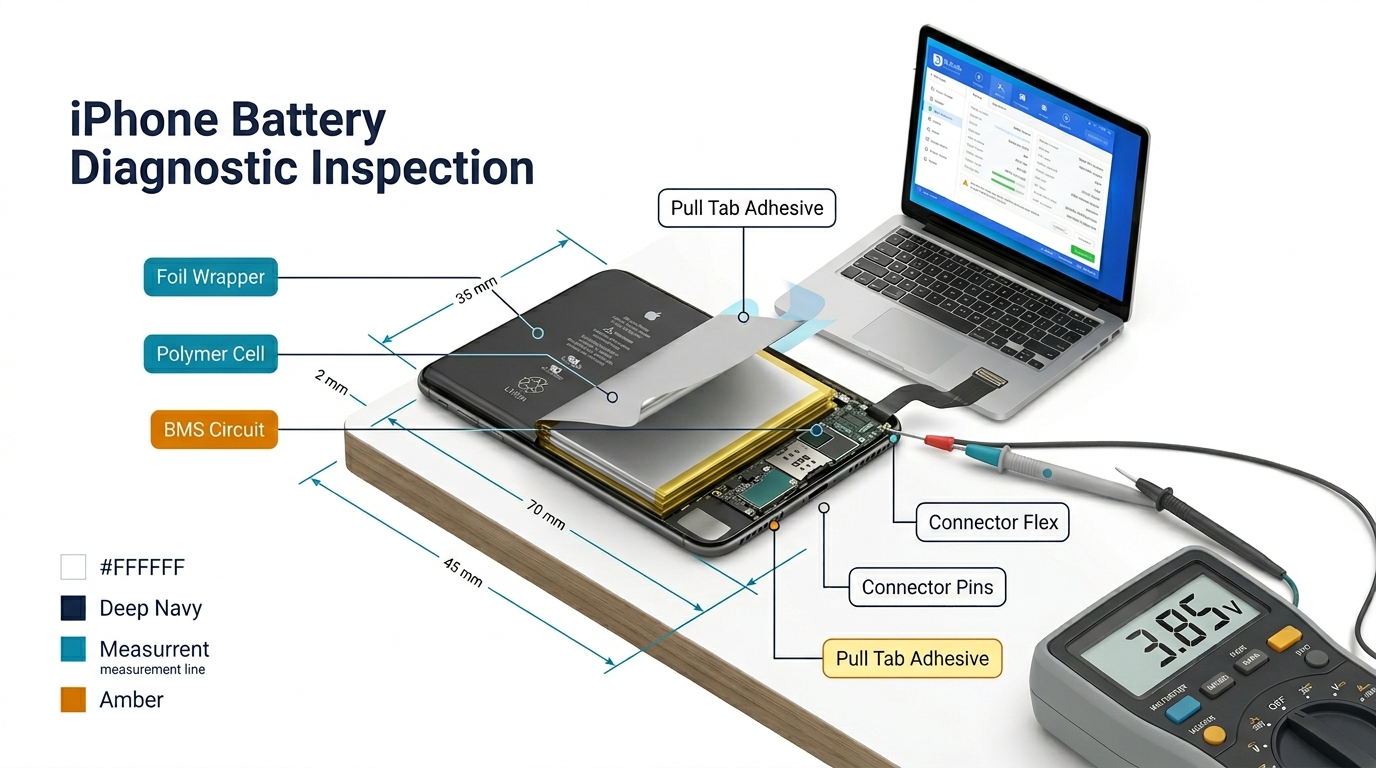
Step 6: Disconnect the battery (three screws on the bracket, Y000 driver).
Step 7: Remove the display connector bracket (three screws) and disconnect the three display flex cables.
Step 8: Transfer the earpiece speaker and sensor assembly. The iPhone 12's earpiece flex is slightly more robust than the iPhone 13's, but still handle it carefully.
Step 9: Connect the new screen, reconnect battery, and test:
- Touch response (all corners + centre)
- Face ID
- Earpiece audio
- Proximity sensor
- True Tone (if transferred or programmed)
- Slow-mo camera test at 25% brightness
Step 10: Apply new adhesive strips and seal. Press firmly along the entire flat perimeter — the flat edges need even pressure to bond properly.
iPhone 12 Mini: The Magnifying Glass Problem
The iPhone 12 Mini has the smallest screen in the lineup (5.4 inches) and the tightest internal layout. Everything we said about the iPhone 13 Mini applies here, but worse:
- Flex cables are even shorter
- Internal screws are smaller (some are 0.8mm)
- The battery connector is closer to the display connectors, increasing the risk of accidentally shorting them
Our recommendation: If you're new to iPhone 12 Mini repairs, use a magnifying lamp. The screw heads are small enough that a standard overhead light creates shadows that hide them. A £20 magnifying lamp pays for itself after one repair where you don't strip a screw head.
The iPhone 12 vs iPhone 12 Pro: Are the Screens the Same?
This is one of the most common questions we get, and the answer surprises people.
The iPhone 12 and iPhone 12 Pro use the same screen panel. Same size (6.1"), same resolution (2532 × 1170), same OLED technology, same refresh rate (60Hz). The screens are physically interchangeable.
But there's a catch: The iPhone 12 Pro has LiDAR scanner, which sits next to the front camera assembly. The screen itself is identical, but the sensor flex assembly is different. If you're transferring components from old screen to new, make sure you're transferring the correct sensor assembly for the specific model.
Why this matters for parts ordering: You can stock one screen SKU for both iPhone 12 and iPhone 12 Pro (the 6.1" version). This simplifies inventory. The Mini and Pro Max are unique sizes and need their own SKUs.
The £2,800 Lesson: When Ceramic Shield Creates False Confidence
A repair shop owner in Bristol shared this story with us:
His shop started seeing a pattern in late 2021: iPhone 12 customers coming in with severely shattered screens — not just cracked, but with visible OLED damage underneath. More than he'd seen with iPhone 11.
He investigated and found the common thread: none of these customers used cases. When he asked why, the answer was always some version of "Apple said the glass is four times tougher."
Over six months, he tracked 47 iPhone 12 repairs where the customer explicitly mentioned not using a case because of Ceramic Shield. Average repair cost: £85. Total revenue: £3,995. But here's the part that hurt: 12 of those 47 screens had OLED damage so severe that the replacement screen showed issues within a month — the frame was subtly warped from the impact, and the new screen developed pressure spots.
Those 12 customers needed a second repair or a refund. Cost: £2,800 in parts, labour, and goodwill.
The lesson: When you see an iPhone 12 with a severely shattered screen, check the frame for warping before installing a new screen. Place the phone face-down on a perfectly flat surface. If it rocks, the frame is bent. A bent frame will kill any screen you put on it — OLED panels can't tolerate even 0.3mm of frame distortion.
The fix: A frame straightening press costs £50-80. Five minutes of pressing before installation prevents a £85 callback.
Frequently Asked Questions
Is the iPhone 12 screen replacement harder than iPhone 11?
The procedure is similar, but the flat edges require a different technique for the initial separation. Once you've adapted to the flat-edge approach (thinner pick, corner entry, sliding motion), it's comparable in difficulty.
Can I use an iPhone 12 screen on an iPhone 12 Pro?
Yes — the display panels are identical. However, the sensor flex assemblies differ due to the Pro's LiDAR scanner. Make sure you transfer the correct assembly for the specific model.
Does Ceramic Shield make the screen harder to remove?
No. Ceramic Shield is a coating on the outer surface of the glass. It doesn't affect the adhesive bond between the screen assembly and the frame. The flat edges are what make removal different.
Is it worth replacing an iPhone 12 screen in 2026?
Absolutely. The iPhone 12 still runs the latest iOS, has 5G, and parts are at their cheapest. A £60 repair is far better value than a £700+ new phone.
What about the iPhone 12 back glass — can I replace just the back?
Back glass replacement requires either a laser machine or replacing the entire rear housing. It's a different procedure from front screen replacement and typically costs £60-100 at a repair shop.
Will Face ID work after iPhone 12 screen replacement?
Yes, as long as the TrueDepth camera assembly is transferred carefully. The iPhone 12's Face ID components are on the earpiece/sensor flex, not the display panel.
What to Do Monday Morning
-
Check your flat-edge technique. Next time you open an iPhone 12, time your heating step. If you're under 3 minutes, you're rushing it. Set a timer and use the extra time to prep your workspace.
-
Stock a frame straightening press if you don't have one. At £50-80, it pays for itself after preventing one callback. Check every iPhone 12 with severe screen damage for frame warping before installing the new screen.
-
Consolidate your iPhone 12/12 Pro inventory. If you're stocking separate screen SKUs for the 12 and 12 Pro, you're wasting shelf space. They use the same panel — stock one SKU and save the capital for Mini and Pro Max screens.
Need iPhone 12 screens that survive the flat-edge installation process? Our Soft OLED screens are tested for flex tolerance during installation — because a screen that cracks during fitting is worse than no screen at all. Request wholesale samples from PRSPARES.
PRSPARES supplies iPhone 12 screen assemblies for all four models from our Huaqiangbei facility. Soft OLED, Hard OLED, and Incell — batch-tested, documented, and backed by less than 1% RMA rates across our repair shop network.